

The Essential Audio Plugins Every Engineer Must Use
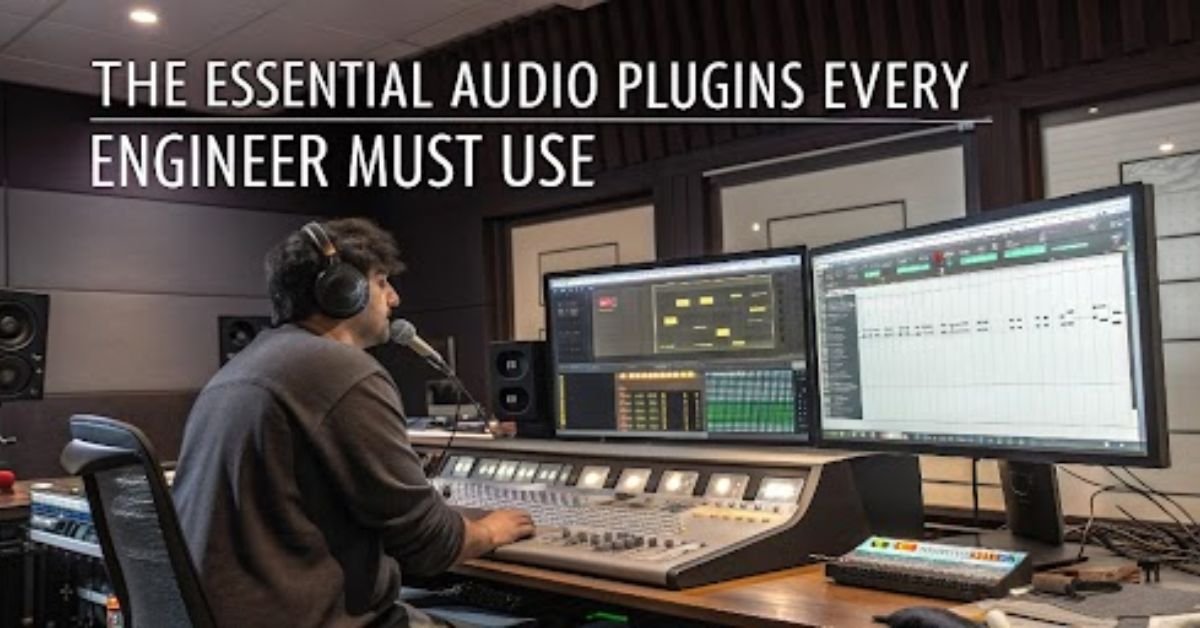

If you are tracking your vocals in a bedroom studio or mixing tracks for a film in a professional studio, audio plugins are the bedrock of sound engineering in today’s world. Plugins give engineers the ability to shape, clean, embellish, and develop a raw audio file into a polished product that is ready for production. Understanding what types of plugins are essential to working efficiently and enables engineers to work quickly and effectively.
What Are Audio Plugins?
Audio plugins are software tools that operate in a digital audio workstation (DAW) to process audio. They emulate the features of hardware, or provide entirely digital effects and utilities.
There are three primary forms:
- VST (Virtual Studio Technology),
- AU (Audio Units – macOS only),
- AAX (for Pro Tools).
Plugins are most commonly for effects such as EQ, compression, reverb, delay, modulation, and saturation.
Must-Have Plugin Types
Below are the types of plugins all engineers need to have a familiarity with:
- Equalizers (EQs)
The EQ is great for shaping the tonal balance of a mix. Whether you are cutting the mud out, making sure the vocals are bright, or balancing the instruments out, you are using an EQ on almost all the tracks.
➡ Recommendations: FabFilter Pro-Q 3, TDR Nova (Free)
- Compressors
Compression reduces dynamic range by making loud sounds quieter and quiet sounds louder. It can help tie a mix together and position each track better.
➡ Recommended: Waves CLA-76, Ableton Glue Compressor, Rough Rider 3 (Free)
- Reverb
Reverb adds depth and space to a sound. Reverb can put a vocal into a room, make it a hall, or create dreamy textures.
➡ Recommended: Valhalla VintageVerb, TAL-Reverb-4 (Free)
- Delay
Delays add rhythmic depth, groove, or space, whether slapback or tempo synced. Delay plugins will be a creative tool for you.
➡ Recommended: EchoBoy by Soundtoys, ReaDelay (Free).
- Saturation and Distortion
These plugins add a harmonic richness, grit or can just warm sounds up or make things a bit more aggressive (or just more interesting).
➡ Recommended: Soundtoys Decapitator, Softube Saturation Knob (Free)
- Modulation (Chorus, Flanger, Phaser)
Modulation effects are great for adding movement or colors to sounds. They can be very subtle tools but can really help breath some life into otherwise dull sounds.
➡ Recommended: UAD Brigade Chorus, Blue Cat’s Chorus (Free)
- Utility Tools (Limiters, Metering, Tuners)
Utility tools are often an overlooked part of mixing and production but they are an important part of mixing. Getting good metering on your sounds helps ensure your levels are right. Tuners are crucial if you intend to record your own instruments.
➡ Recommended: iZotope Insight, Voxengo Span (Free), Kilohearts Limiter
Free Plugins vs Paid Plugins
Free plugins have improved a lot and still work well for the novice or budget-restricted engineer. Plugging in tools like TDR Nova or Valhalla Supermassive sound fantastic and, again, you cannot beat the price.
Paid plugins can offer more control, better user interfaces, and better sounding plugins. Paid plugins are worth the price of admission as you expand your need and experience level.
Digital vs Emulation
Many plugins claim to emulate classic analog hardware, this can be a compressor, EQ, or a tape machine! If you are looking to get warmth from your plugins, these are a great starting point.
There are plenty of purely digital plugins that will give you flexibility and features that can only be achieved from hardware design. Only way to find out is to experiment with both kinds. Some people like the color of the emulations, some prefer the precision of strictly clean digital tools.
Start with the basics, experiment with both free and premium options, and over time, you’ll build a set of tools that feels like your own.
At TASE, through our music production courses in Chennai,we teach students not just how to use plugins but how to hear the difference they make.